
Brokers talk about execution in milliseconds, and it is easy to assume that faster always means better. For some traders it does. For most retail traders, the difference between 10 and 50 milliseconds will never show up in their results, while a weak Wi-Fi signal or a laptop that goes to sleep will.
This guide explains trading latency in plain English: where the delay comes from, how to measure yours in MetaTrader 5, and when it is worth worrying about.
Key takeaways
• Latency is the delay between a price changing, you acting on it, and your order being filled.
• It has three parts: price to your screen, your order to the server, and the server to the fill.
• MT5 shows your ping to the trading server in the bottom-right corner of the platform.
• Latency matters most for scalping and news trading, and very little for swing trading.
• A stable connection usually improves results more than shaving off a few milliseconds.
What is latency in trading?
Latency in trading is the delay between something happening in the market and your order being executed. For a retail trader it has three parts: the time a new price takes to reach your screen, the time your order takes to reach the broker's server, and the time the server takes to fill it. It is measured in milliseconds.
One millisecond (ms) is a thousandth of a second. A blink takes roughly 100 to 150 ms, which gives a sense of scale: most of the delays below are shorter than a blink.
The three delays between you and a fill
| Stage | What happens | What affects it |
|---|---|---|
| Price to screen | A new quote travels from the server to your platform | Your internet connection and distance from the server |
| Click to server | Your order travels back to the trading server | The same connection, plus your device and how busy it is |
| Server to fill | The order is matched with available liquidity | Market conditions and the broker's execution set-up |
The first two stages depend mostly on you: your connection, your device and where you are in the world. Only the last stage sits entirely with the broker. That is why two traders at the same broker can have very different experiences.
How to check your latency in MT5
Look at the bottom-right corner of the MT5 desktop terminal. The connection indicator shows your ping, the round-trip time to the trading server in milliseconds. Click it to see the available access servers and their ping, and choose Rescan Servers if the figure looks high. MT5 normally connects to the fastest one automatically.
| Ping to server | What it means in practice |
|---|---|
| Under 50 ms | Very responsive. Suitable for any style, including scalping |
| 50 to 150 ms | Fine for day trading and swing trading; noticeable only in the fastest markets |
| Over 150 ms | Slow for scalping and news trading; worth checking your connection or using a VPS |
These ranges are a general guide, not a standard. Ping measures the network only, not the time the server takes to execute.
Does latency matter for you?
It depends on how far price can move during the delay compared with what you are trying to capture. In a quiet market, EUR/USD may not move at all in 100 ms. In the first seconds after a major data release, it can move several pips.
| Trading style | Typical target | How much latency matters |
|---|---|---|
| Scalping | A few pips, held for seconds or minutes | A lot: a delay can be a large share of the target |
| News trading | Fast moves just after a release | A lot: price moves fastest exactly when you act |
| Day trading | Tens of pips, held for hours | Somewhat, mainly around news |
| Swing trading | Large moves, held for days | Very little: a few milliseconds is irrelevant |
A simple way to judge it: compare the distance price could travel during your delay with your stop and target. If your stop is 40 pips away, a tenth of a second rarely matters. If your target is 3 pips, it can be the difference between a small win and a small loss.
Latency and slippage: related, not the same
Latency is a delay in time. Slippage is a difference in price. A longer delay gives the market more time to move before your order fills, so high latency can increase slippage, but the bigger drivers of slippage are how fast the market is moving and how much volume is available at your price. A fast connection in a fast market can still slip; a slow connection in a quiet market often will not.
Things that matter more than milliseconds
For most retail traders, these make a bigger difference than the broker's execution speed:
• A stable connection. A wired connection or strong Wi-Fi beats a weak signal that drops packets.
• A device that stays awake. Sleep settings, updates, and heavy background apps all add delay or disconnect the platform.
• Timing. Placing market orders in the seconds around major news exposes you to the fastest price changes.
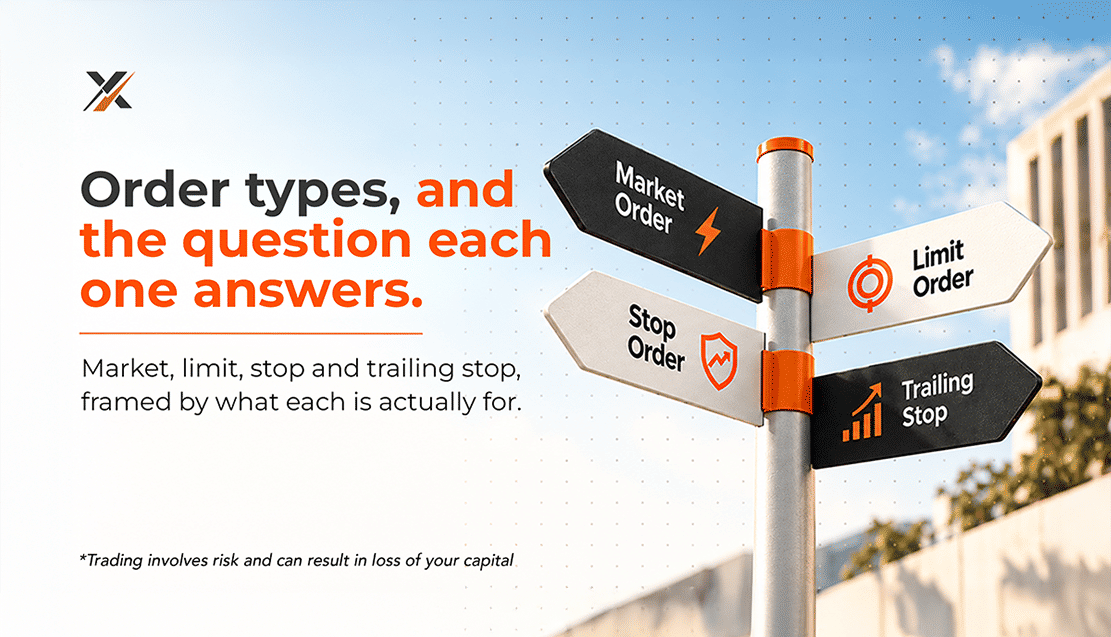
• Order type. A limit order fills at your price or better, so latency cannot make the price worse.
When a VPS makes sense
A Virtual Private Server (VPS) is a remote computer that keeps MT5 running around the clock, usually in a data centre close to the trading server. It helps if you run Expert Advisors, use the MT5 trailing stop (which only works while the terminal is open), or trade from a location with an unreliable connection. MT5 also offers built-in virtual hosting from the Navigator window. If you trade manually and hold positions for days, a VPS adds cost without adding much value.
Your latency checklist
1. Check your ping in the bottom-right corner of MT5 and rescan servers if it is high.
2. Use a wired or strong Wi-Fi connection, especially when trading actively.
3. Stop your device from sleeping while positions or EAs depend on the terminal.
4. Avoid market orders in the seconds around major releases unless that is your strategy.
5. Consider a VPS only if you run EAs, rely on trailing stops or have a weak connection.
Trading latency is worth understanding, but rarely worth obsessing over. Match the speed you need to the way you trade, and fix your own connection before anything else. SnabbX accounts run on MetaTrader 5 with ECN pricing; compare Standard, Elite, and ECN on our Accounts page.
Related Article : https://www.snabbx.com/blogs/slippage-in-forex
Frequently asked questions
What is a good ping for forex trading?
Under 50 ms is very responsive and suits any style. Up to about 150 ms is fine for most day and swing trading. Above that, scalping and news trading become noticeably harder.
Is latency the same as slippage?
No. Latency is a delay in time; slippage is a difference between the price you expected and the price you got. Higher latency can increase slippage, but market speed and liquidity matter more.
Does latency matter for swing trading?
Very little. When you aim for moves of many pips over days, a delay of a few milliseconds has no meaningful effect on your entry or exit.
Does a VPS make trading faster?
It can reduce network delay by running MT5 close to the trading server, and it keeps the platform online around the clock. It mainly benefits EA users, scalpers, and traders with weak connections.
How do I check my latency in MT5?
Look at the connection indicator in the bottom-right corner of the desktop terminal. It shows your ping in milliseconds, and clicking it lists the available servers so you can rescan.